Free? How does that work?
The reason LibreOffice is free is that it is open-source software. At large commercial companies, the source code is kept strictly confidential, and you are required to pay for an expensive monthly or annual subscription. With LibreOffice, it works exactly the opposite way. The developers make the source code public and freely accessible on the internet. This trend has grown since the advent of AI, as it has become increasingly easy to program software from scratch.
The software suite is managed by The Document Foundation, an independent, nonprofit foundation. Programmers, translators, and companies around the world collaborate to develop the software. They do this not to get rich, but because they believe that good basic software should be accessible to everyone. Furthermore, you simply install LibreOffice locally on your own computer. This means your quotes, calculations, and customer data are not required to be stored in a cloud environment and are not sold to anyone.

Who is LibreOffice for?
LibreOffice is for just about anyone who works with a computer. It includes free alternatives to Word, PowerPoint, and Excel—programs that are used in a wide variety of fields.
What programs are included in LibreOffice?
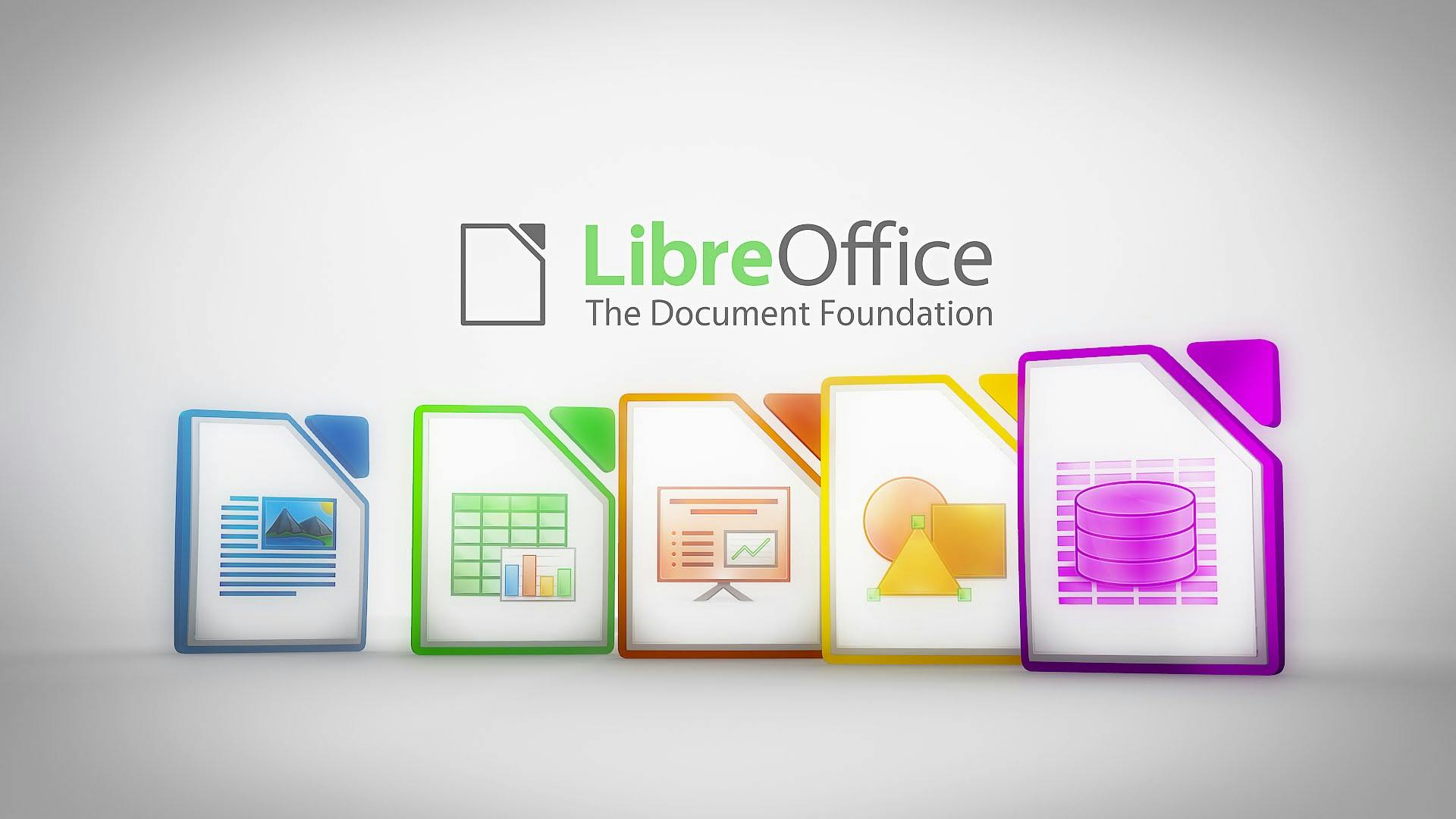
LibreOffice is a complete suite that includes all the familiar software programs. The interface is based on the well-known Microsoft Office programs. It includes, for example:
- Writer (word processor)
The direct counterpart to Microsoft Word. Ideal for writing letters, detailed reports, and preparing quotes. - Calc (spreadsheets)
The alternative to Excel. For all your calculations, timesheets, budgets, and charts. - Impress (presentations)
The alternative to PowerPoint for quickly creating clear and organized project presentations and slideshows. - Draw (drawings and diagrams)
A handy tool for creating flowcharts, floor plans, or quickly editing PDF files. - Base (databases)
Similar to Microsoft Access, for managing larger data files.
How do I install LibreOffice?
Watch this 45-second video to learn how to install LibreOffice.

Need help?
At IDEOMA, we provide service and support regardless of where you purchase your software. Our core products have traditionally been Bluebeam, GstarCAD, GstarBIM, and CYPE, as well as similar products, such as open-source software (e.g., OpenAEC). We therefore have extensive knowledge in this area.
With this service, you can always contact us for questions, advice, training, installation assistance, administrative support, or other related matters. This is useful, for example, if you’re using free open-source software, or if you didn’t purchase your software from IDEOMA.
Of course, we’re also happy to help you decide between paid and free (open-source) software— with no obligation —and offer advice on the options that best suit your business. Please contact us for more information.
This webpage was last updated on November 12, 2026. For the latest updates, visit the LibreOffice website.