AI assistant
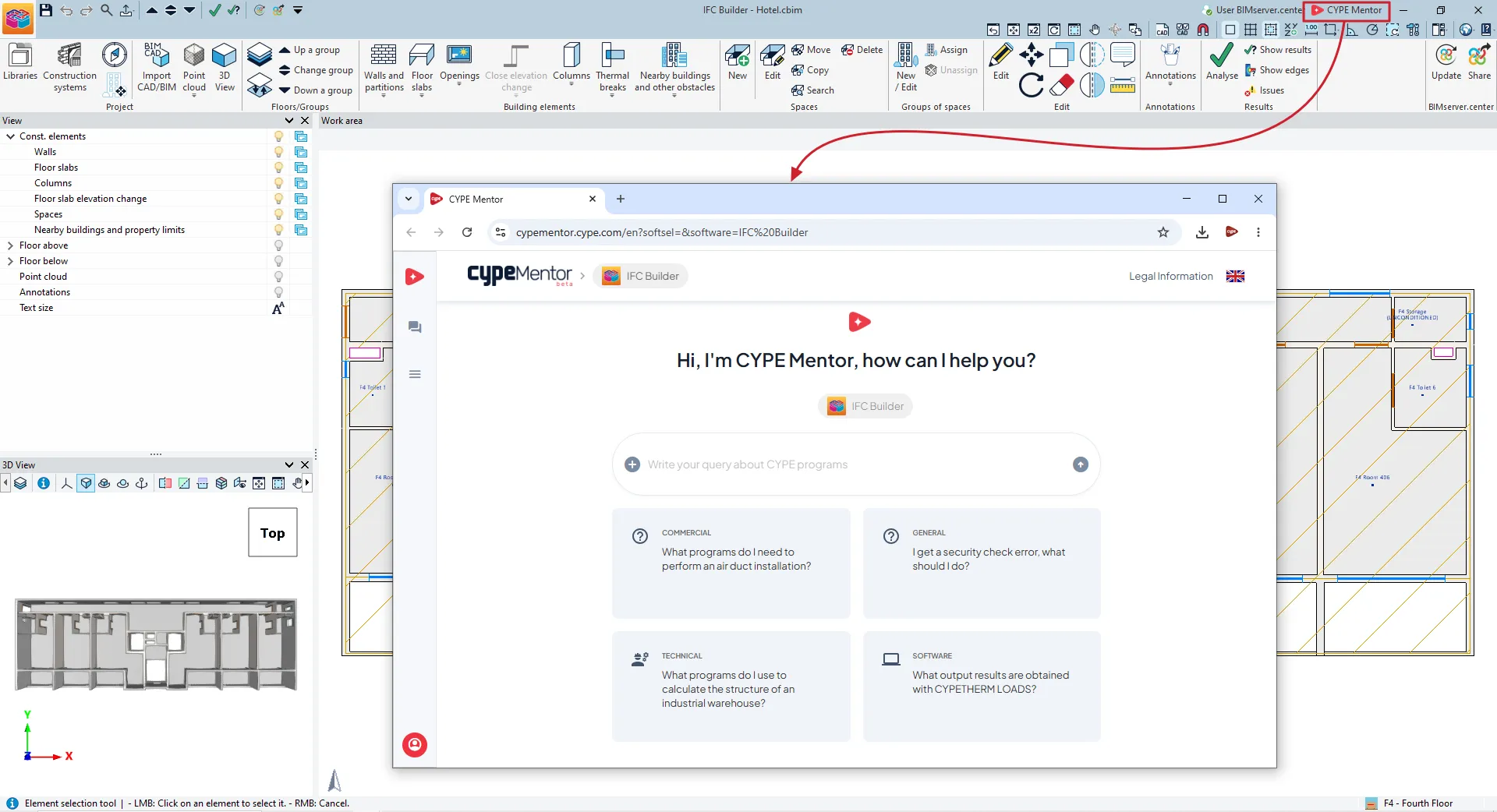
CYPE is also working hard to integrate AI into its software, with the goal of making your work easier and faster. The latest version of CYPE includes the CYPE Mentor, a digital assistant you can chat with. This allows you to easily ask all your questions and find solutions to your problems, whether technical or business-related.
The answers are based on the CYPE database, which is updated regularly. However, as with all AI solutions, answers may contain errors and are not a substitute for officially documented knowledge. Please contact the CYPE team to verify the information.
Dark mode
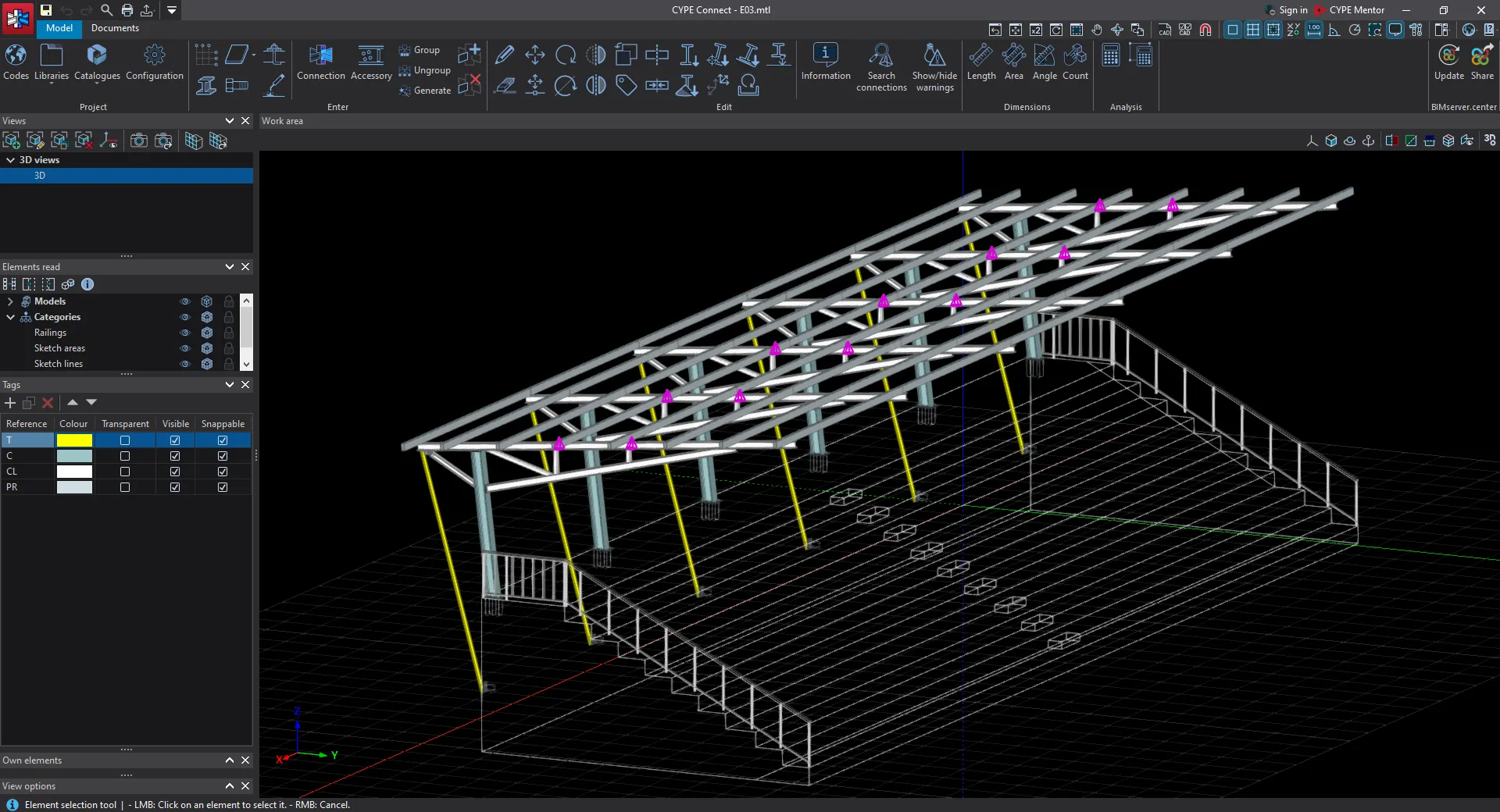
The latest version of CYPE includes a dark mode, which changes the interface’s background from white to dark. This improves the interface’s readability, makes long work sessions more comfortable, and helps reduce eye strain, especially in low-light environments.
PDFs as drawing templates
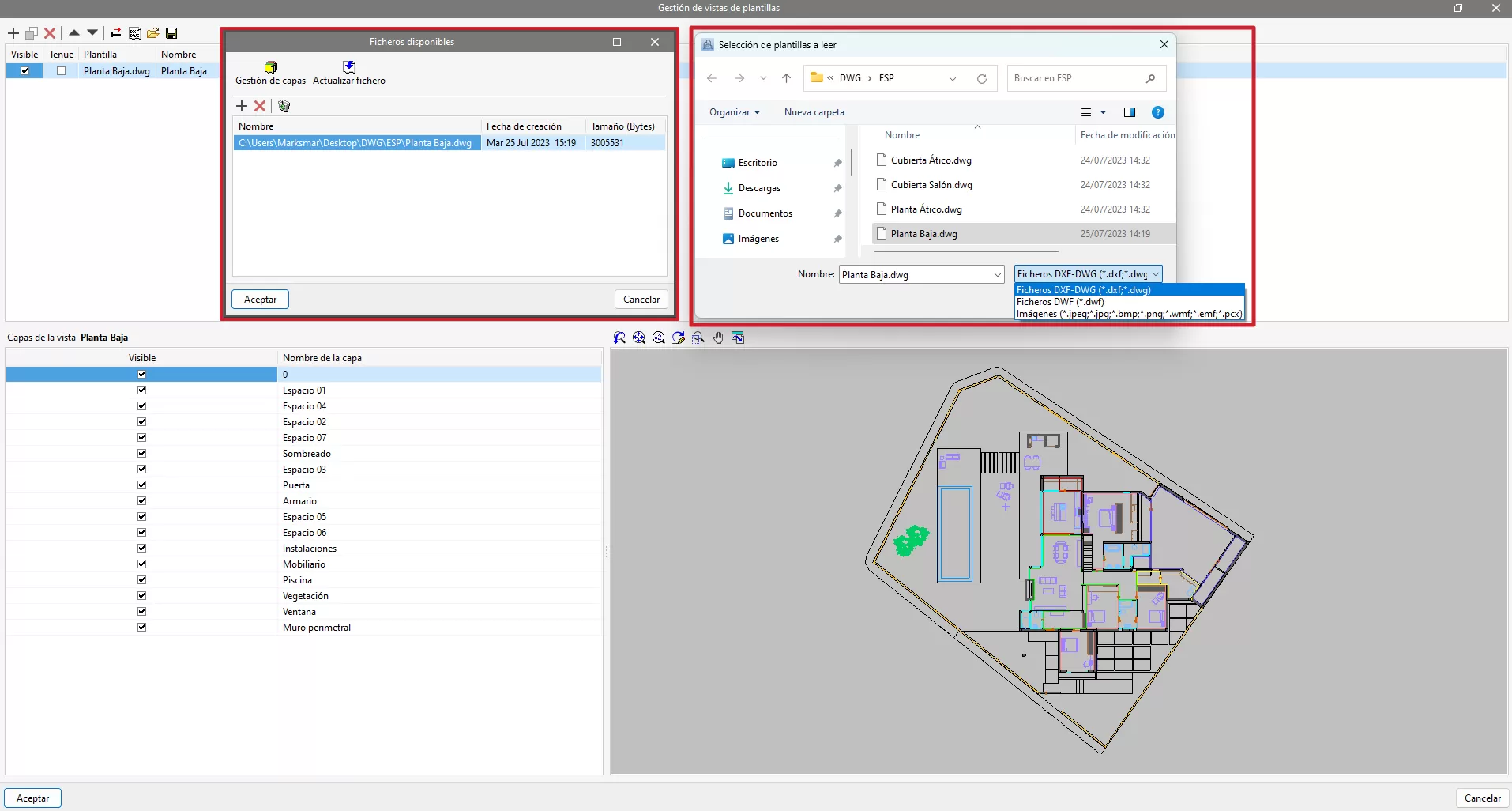
In the latest version of CYPE, PDF files can be added as drawing templates, making it easy to incorporate them into DWG, DXF, or other common drawing formats. You can also enable the“snapping on objects” feature, which automatically snaps elements to lines in the underlying PDF.